Migration
Move a monitor probe to a new host or point it at a new webserver by generating a fresh self-signed certificate and re-registering it with the webserver.
Overview
Migrating a monitor probe means re-establishing trust between the probe and the webserver. The migrate command stops the probe, discards its old certificate, generates a brand new self-signed certificate + private key, and pushes the new certificate to the webserver — authenticated with a webserver API token. Once the webserver reloads its certificate store, mutual TLS communication is restored.
Let’s take our test infra. In this part we focus on what happens in the red rectangle.
Prerequisites
- The webserver must be up, running and reachable from the probe host (the probe pings
https://<webserver>/pingfirst). - You need a valid webserver API token (JWT). Generate one from the webserver (
POST /api/auth) or from the webserver UI. - Run the command from the probe install directory (where
monitor.exe/monitorandmonitor.jsonlive), with elevated privileges (the service is stopped/started).
Migration steps
1. Run the migration command
Execute the migration option with the webserver API endpoint and its token. The probe stops the running service, deletes the old config/ssl/certificates/monitor.pem, generates a new self-signed certificate and matching private key, and shares the new certificate with the webserver.
# Windows

monitor.exe migrate <webserver_ip>:<webserver_api_port> <webserver_api_token>

# Linux

./monitor migrate <webserver_ip>:<webserver_api_port> <webserver_api_token>
On success you get:
=> SUCCESS: To enable communication between this component and the webserver, you need to update that component IP/port number and reload the webserver's certificates store.
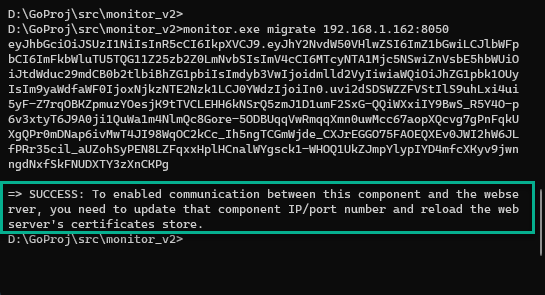
config/ssl/certificates/monitor.pem from the probe install directory.
2. Start the monitor component
The migrate command leaves the service stopped. Start it again.
# Windows

monitor.exe start

# Linux

./monitor start
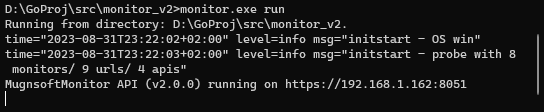
To watch it start, you can run it in the foreground instead with monitor.exe run (./monitor run on Linux); stop it with Ctrl+C before starting the service:
3. Reload the webserver certificate store
Reload the webserver certificate folder so the new certificate is added to the webserver certificates store. Until this is done the webserver will not trust the probe’s new certificate.

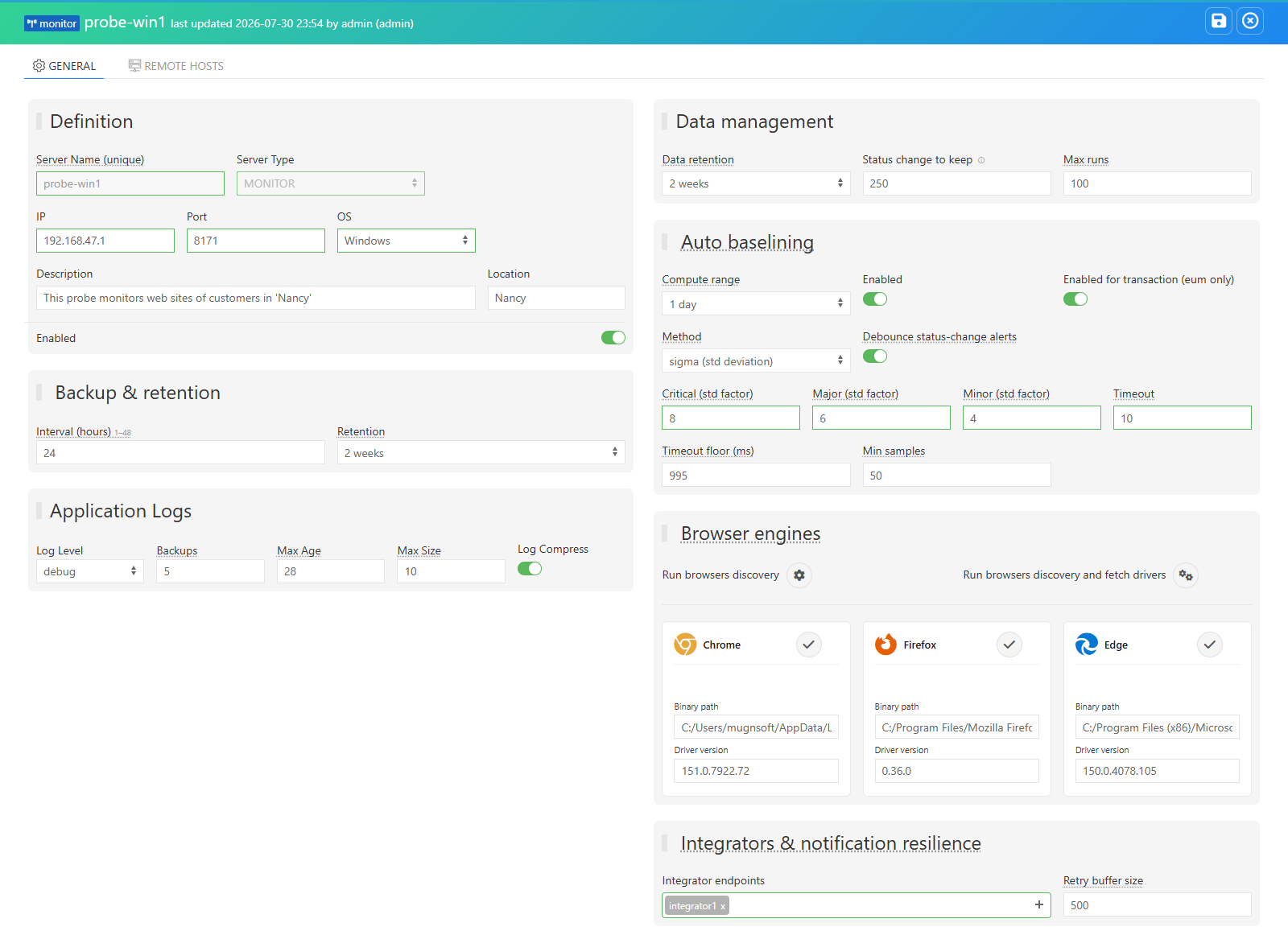
4. Update the probe IP and port
On the webserver, update (optionally) the probe’s IP address and port number so the webserver reaches the probe at its new location, then save.
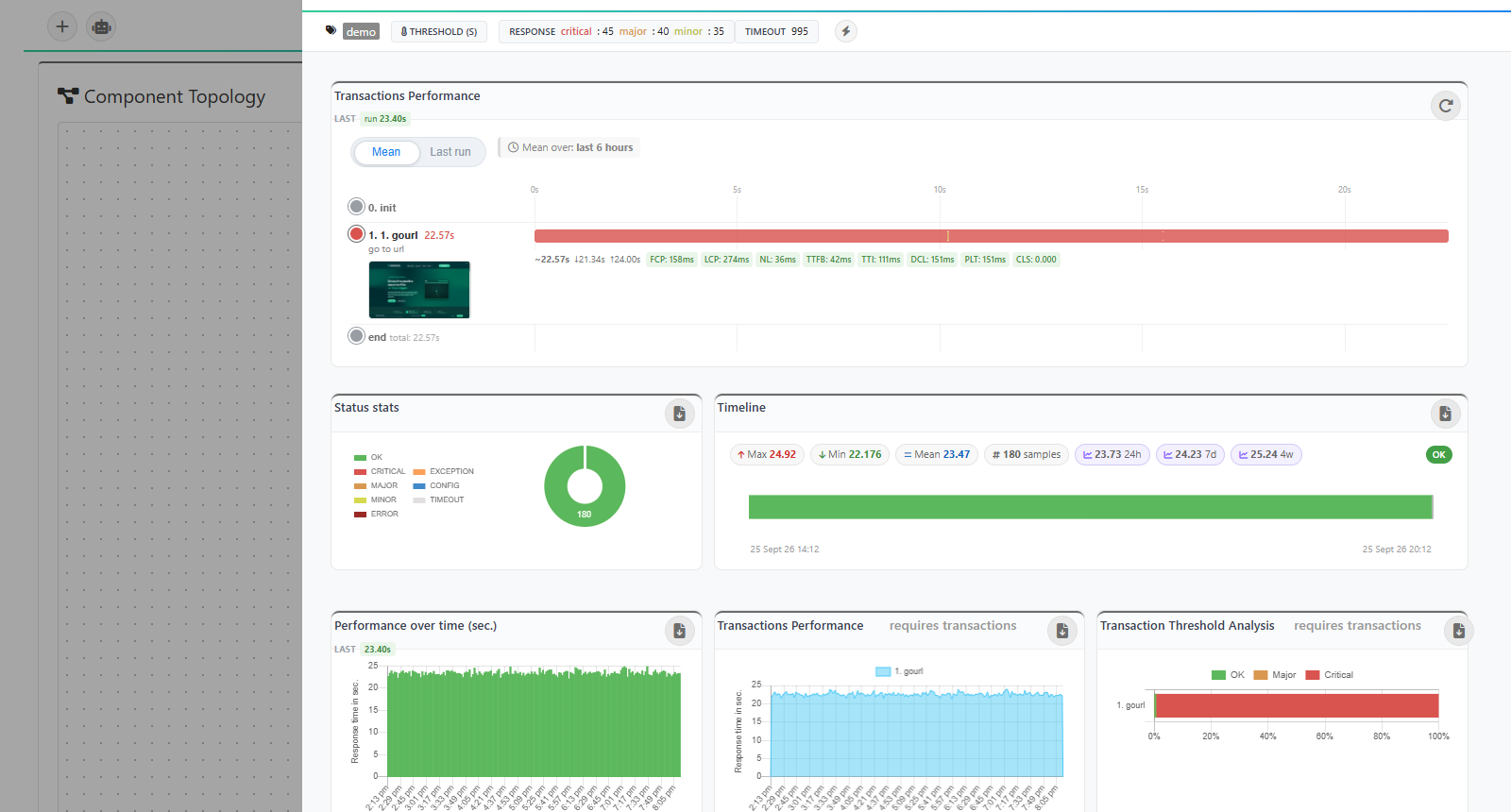
5. Verify communication
Check that communication between the webserver and the migrated probe is OK.
Related
- Migrate an integrator probe — same process,
integrator.pemcertificate. - Migrate the webserver (IP change) — different process: the webserver regenerates its own certificate and every component must be re-pointed at the new address.