Operating Webserver-Front
Webserver-Front (FRONT) is a read-only replica of the Webserver that you place in a DMZ or any untrusted network to show dashboards and reports to end users — without exposing the internal control plane, the probes, or any secret. This page covers the day-to-day operation: deploying it, declaring the replication link, starting it, and verifying it stays fresh.
Throughout this page, ADMIN is the normal (licensed, internal) Webserver and FRONT is the read-only replica. For the architecture and trust model behind FRONT, see Webserver-Front (DMZ Replica).
When to deploy a FRONT replica
Deploy a FRONT replica when you need to publish dashboards to people who must not reach the internal Webserver:
- Public or partner-facing status pages.
- Dashboards embedded in a corporate portal that lives outside your management network.
- Any audience on a network segment you do not fully trust.
Prerequisites
Before you start, make sure you have:
| Requirement | Notes |
|---|---|
| A licensed ADMIN Webserver | FRONT is fed entirely by ADMIN; FRONT itself needs no license. |
| A DMZ host for FRONT | Linux or Windows, reachable by your end users on the WEB port. |
| Network path ADMIN → FRONT | ADMIN initiates and pushes. FRONT never connects back to ADMIN. |
| Replication material | Shared key and certificates, provisioned out-of-band (see Configuration). |
Deploy FRONT on the DMZ host
-
Place the FRONT binary and its UI assets on the DMZ host. The static UI is served from disk in the
./web-front/folder next to the binary (it is not embedded), so the host needs both the executable and that folder. -
Create the configuration file
webserver.jsonnext to the binary, then install it as a service or daemon exactly like a normal Webserver.
Linux:
# install and start the daemon
./webserver_front install
./webserver_front start
Windows:
webserver_front.exe install
webserver_front.exe start
You can run it in the foreground for a first test with ./webserver_front run (Linux) or webserver_front.exe run (Windows).
Configure the replication link
Replication uses two distinct channels, so two settings describe the FRONT host:
| Setting | Meaning |
|---|---|
| Replication endpoint | The host:port of FRONT’s protected receiver. ADMIN pushes encrypted batches here. |
| Public URL | The browser URL of FRONT’s web UI (for example https://front.example.com:9080). Used only to build shareable embed links that point at FRONT. |
The cryptographic material itself (the shared key and the certificates) is provisioned out-of-band in webserver.json on both hosts. It never travels over the replication channel and is never entered in the Settings UI. The exact field list lives on the component page, and the step-by-step PKI generation and pki/ folder layout are covered in Install the Webserver-Front (DMZ).
Declare FRONT from the ADMIN Settings page
Once the key material is in place on both hosts, enable and target the replication from ADMIN:
- Log in to ADMIN as an administrator and open the Settings page.
- In the Webserver-Front replication section, turn replication on, then fill in:
- the replication endpoint (FRONT receiver
host:port), - the public URL of the FRONT web UI,
- the reconcile interval (how often ADMIN pushes a full snapshot — default 5 minutes),
- the optional grace period (see below),
- Accept untrusted cert, off by default — turn it on when the FRONT public URL is served with a self-signed or internal-CA certificate.
- the replication endpoint (FRONT receiver
- Click Test to probe both addresses from this server before saving, then save.
The Test button
The two FRONT addresses fail in completely different ways, and neither failure announces itself for a long while: a broken replication endpoint leaves FRONT quietly serving stale data, and a broken public URL leaves the share links on the Users page pointing nowhere. Test probes both with the values currently in the form — not the saved ones — so a mistake is caught before it is committed.
| Probed | How | A green result means |
|---|---|---|
| Replication endpoint | TCP connect first (so a wrong host:port is named as such), then a real mTLS GET /uptime — the same call the push subsystem’s own health loop makes |
replication can actually flow, handshake included |
| Public URL | An HTTP request to the browser-facing web port | the FRONT web UI is served; a redirect to the login page or a 401 counts as reachable, because it proves the UI is there |
Each half reports ok, warn or fail with the underlying error, which is what separates wrong host:port from certificate not trusted from port open but the replication PKI is not provisioned. Notably:
- an untrusted certificate on the public URL is reported as a finding, not an outage — and with Accept untrusted cert on it is stated as an accepted fact instead of a warning;
- the replication endpoint is always verified against the replication CA, whatever that toggle says. Skipping verification there would make the mTLS check meaningless.
- a
401/403on the replication endpoint is awarn, not a failure: the endpoint answered, but this ADMIN was not accepted — typically a client certificate signed by another CA.
The button works even before replication has ever been enabled, so it is usable as the first check after provisioning the PKI.

Note:
Verify FRONT is live and fresh
- Browse to FRONT’s public URL and log in with a normal user account. User accounts (and their bcrypt password hashes) are replicated from ADMIN, so the same credentials work.
- Confirm the dashboards render and that the freshness indicator shows recent data. FRONT stamps each batch with the reconcile cadence and flags the feed as stale if no batch has arrived within a multiple of that interval.

What end users see on FRONT
FRONT renders the same dashboards as ADMIN, with two differences operators should expect:
- Read-only everywhere. Management actions are hidden or disabled. There is no path to the probes, integrators, or settings.
- Statuses are as fresh as the last push. FRONT never contacts a probe: application and monitor statuses, including the live types (
url,api,tcp,udp,ping,nslookup,db,sys), are the ones ADMIN computed and replicated. An application created since the last reconcile can briefly show its live monitors asUNKNOWNuntil the next push.
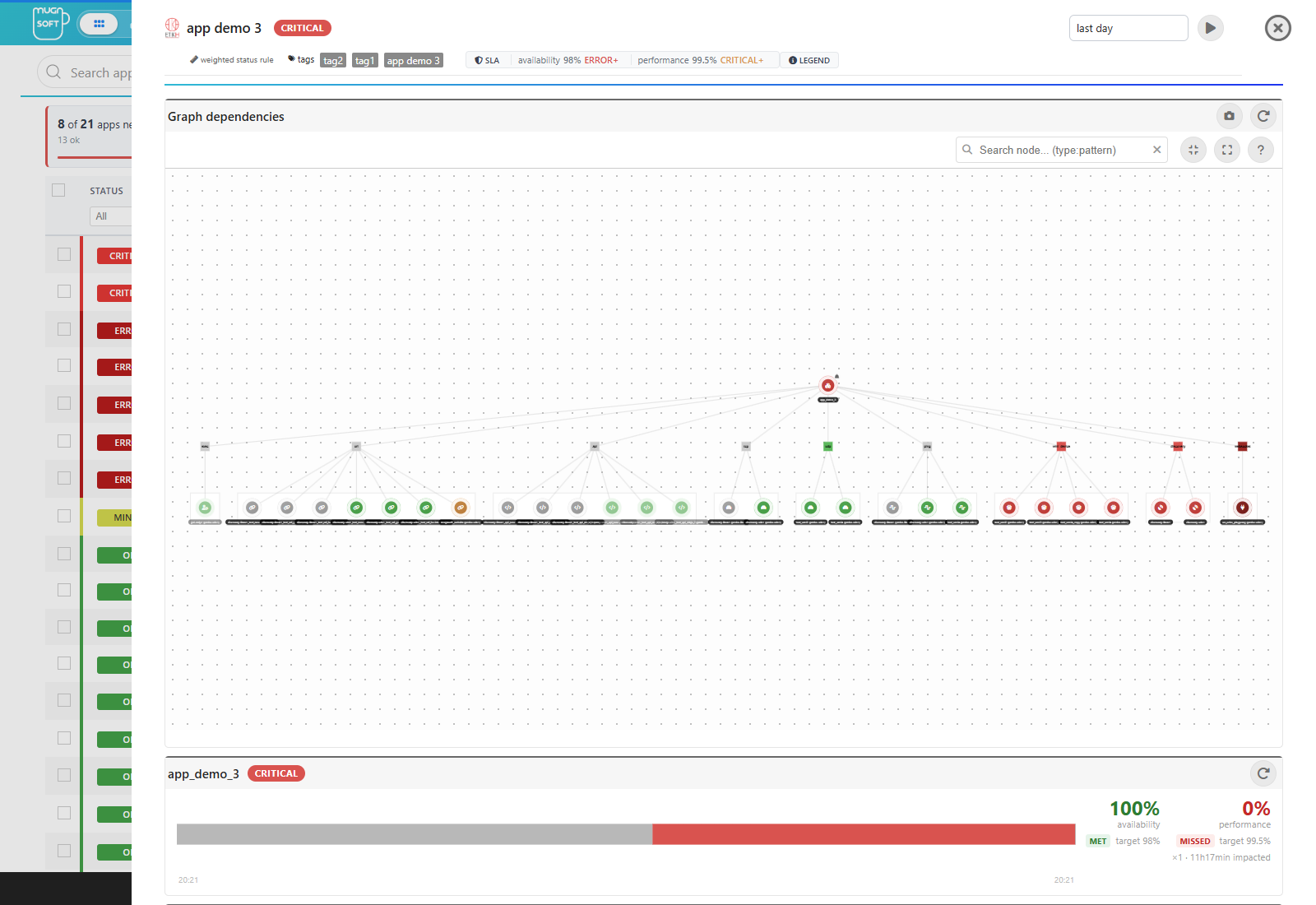
Status grace period
By default FRONT shows a status change as soon as it replicates. You can optionally configure a grace period so that a fresh OK → non-OK application status is held back from FRONT’s end users for a few minutes after the transition. This gives the operations team a short window to react before an outage becomes visible on a public dashboard.
The grace period affects only what FRONT shows. ADMIN’s own real-time views, status history, SLA calculations, and alerting are never delayed.
Day-to-day operations
| Task | How |
|---|---|
| Update the FRONT UI (logos, layout tweaks) | Edit the files under ./web-front/ on the FRONT host and refresh the browser — no rebuild needed. |
| Restart FRONT | Use the service/daemon commands (stop then start). FRONT re-reads its config and key material at startup. |
| Rotate replication keys | Replace the key material on both hosts out-of-band, then restart both. |
| Check feed health | Watch the freshness indicator on FRONT, and the push status on ADMIN. |
Troubleshooting
Note:
- FRONT logs a loud warning at startup. Replication material is missing or incomplete on FRONT. Until it is fixed, FRONT rejects every incoming batch and the dashboards never update.
- Live monitors show
UNKNOWN. Only for an application created since the last reconcile: FRONT has no replicated item list for it yet and rebuilds one without probe access. It clears at the next reconcile. If it persists, check that replication is running (Webserver settings → Webserver-Front banner). - A user cannot log in on FRONT. User records replicate from ADMIN on each reconcile. Confirm the account exists on ADMIN and that at least one successful reconcile has run since it was created.
Reading ADMIN’s replication log
Failed pushes are buffered to disk on ADMIN and retried by a background worker. That worker logs one summary per cycle, not one line per buffered file — when replication is broken every item fails the same way, and a wall of identical warnings hides the three things worth reading: which failure it is, how much is stuck, and for how long.
flushBufferedFrontItems - replication buffer: 0 delivered, 14 still queued, 0 discarded (of 14);
  1.2 MiB of undelivered data for front.example:8040/replicate, oldest queued 7min ago;
  HTTP 400 x14: <FRONT's own error body> ...
- Nothing delivered at all is logged at
ERROR: replication is down, not merely slow. A partial cycle is aWARN. A cycle that empties the queue logs how many pushes went through, atINFO. - Identical failures are grouped and counted, with the full diagnosis quoted once — including FRONT’s own response body, because a bare
status 400says nothing an operator can act on. - A discarded push is data FRONT will not have until the next full reconcile, so the log names exactly what was dropped. The payload itself is encrypted, so batches are described by what they carry (item count, snapshot or not, size) rather than by their contents.
Each rejection carries the thing to go and check:
| Status | What it means |
|---|---|
400 |
FRONT received the batch but could not decrypt or parse it. Almost always the shared ReplKey differs between the two webserver.json files. |
401 |
The replication token was rejected: FRONT’s ReplPubKey does not match ADMIN’s ReplSignKey, the token expired (clock skew between the hosts), or it was revoked. |
403 |
The TLS handshake completed but the request was refused — check that ADMIN presents the client certificate FRONT’s replication CA signed. |
404 |
No receiver on that path: FRONT is not running the front build, or the replication endpoint points at FRONT’s web port instead of its API port. |
405 |
The path exists but does not accept POST — the endpoint is very likely pointing at an ADMIN API port, not a FRONT receiver. |
413 |
The batch is larger than FRONT, or a proxy in between, accepts. |
502 / 503 / 504 |
A proxy in front of FRONT answered, not FRONT itself. The replication endpoint should reach FRONT’s mTLS API port directly. |
5xx |
FRONT failed while applying the batch; the reason is in FRONT’s own webserver.log. |
Note:
400, and you can settle it without handling the secret. Both sides log a short, non-reversible fingerprint of their shared ReplKey — the first 8 hex characters of its SHA-256 — beside the rejection. Compare ADMIN’s fingerprint with the one FRONT logs next to its own payload rejected line: two 8-character strings, instead of comparing keys by hand. ADMIN’s line also says whether its key is usable as an AES key at all, since an unusable key fails exactly like a wrong one.
See also
- Install the Webserver-Front (DMZ) — PKI generation,
pki/folder, and full deployment steps - Webserver-Front (DMZ Replica) — architecture, security model, and full configuration reference
- Embedding dashboards in a portal — share App and 3D views as an iframe
- Components operations — managing probes, integrators, and other components
- Platform Overview — the real-time proxy model and component roles